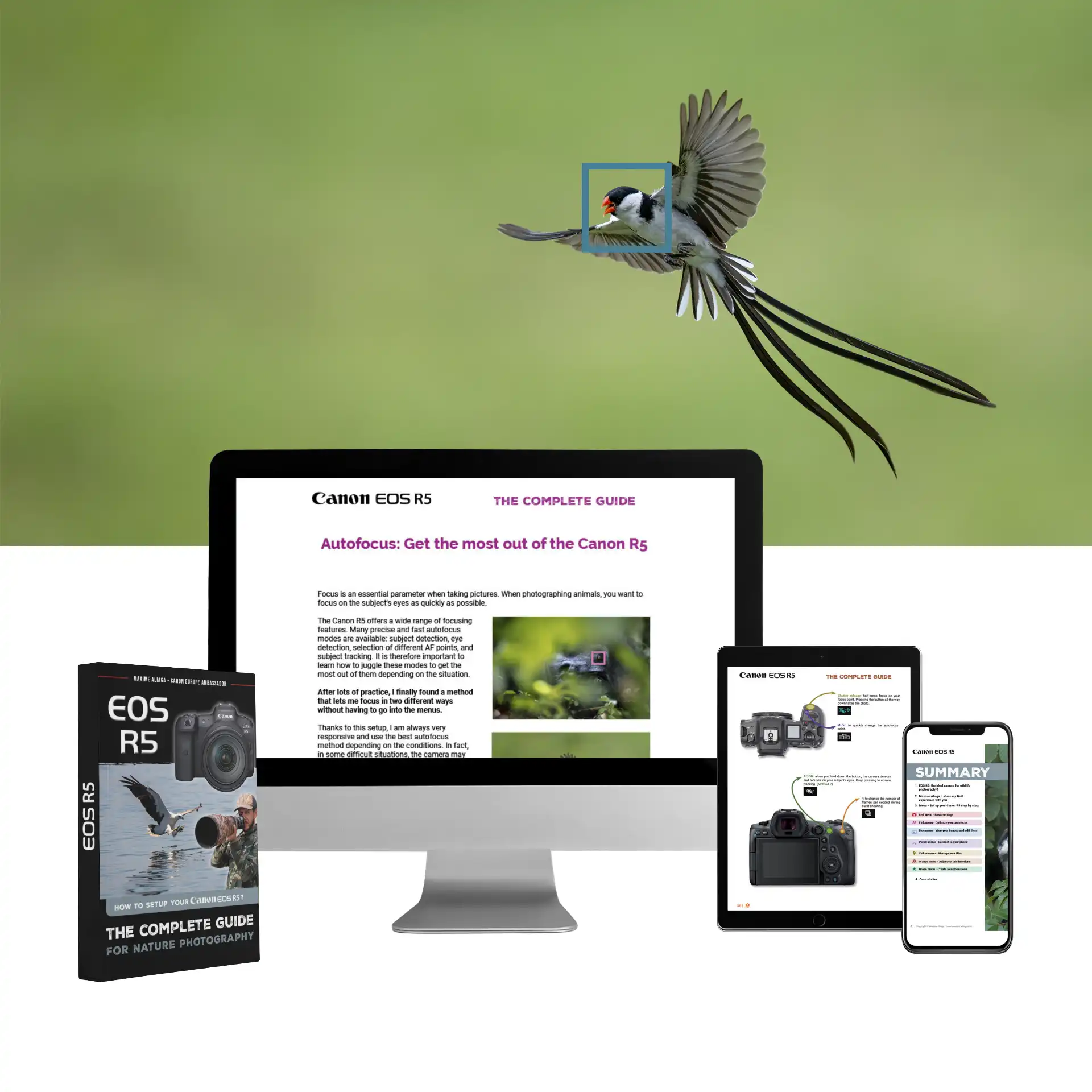
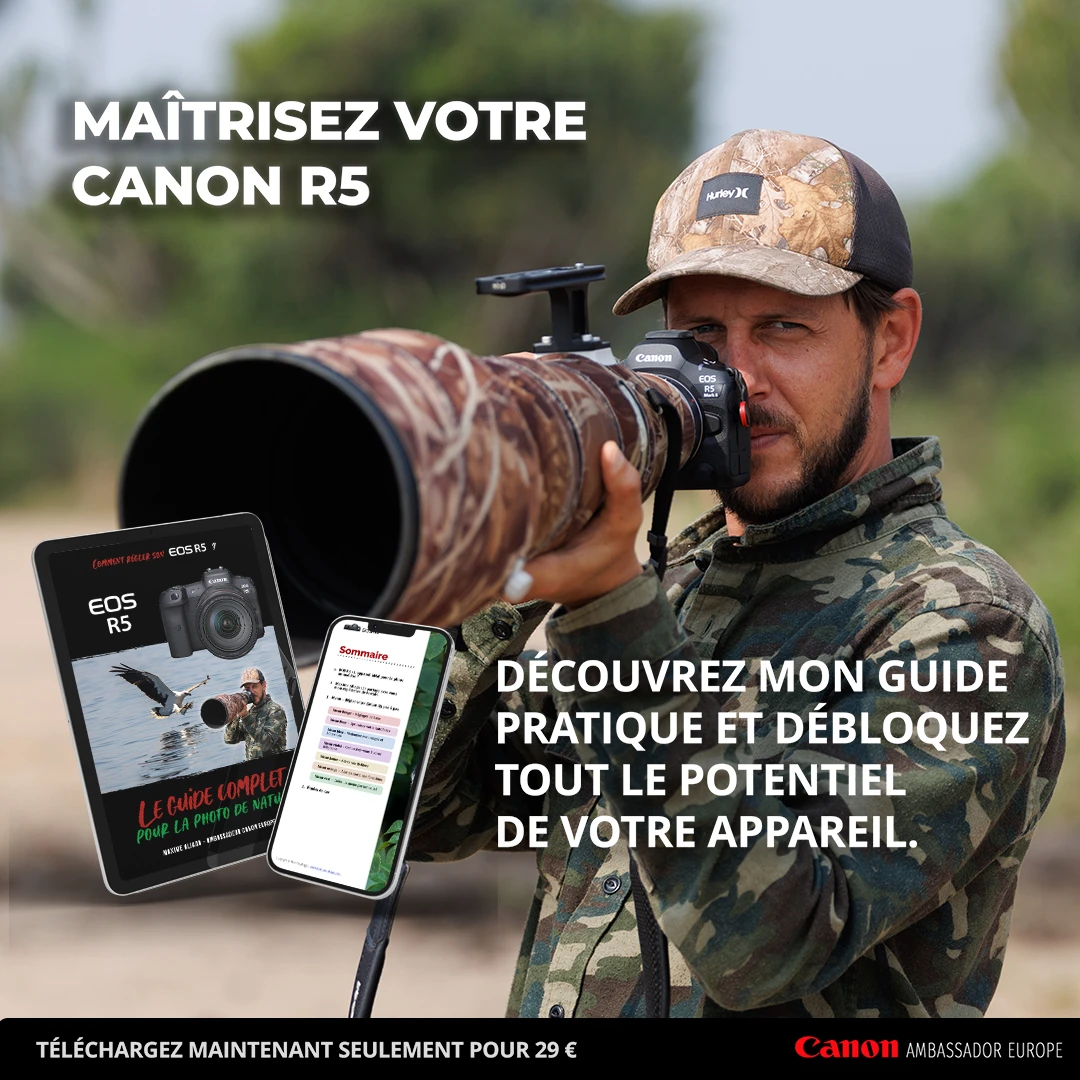
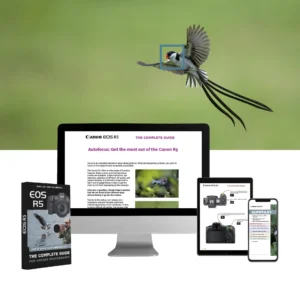
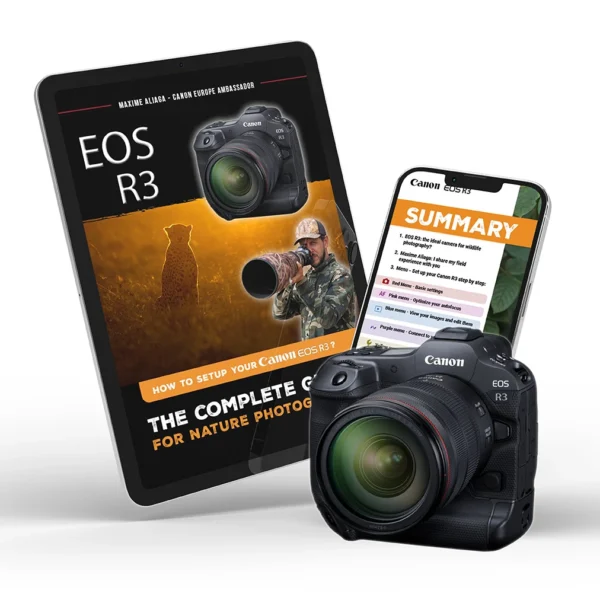
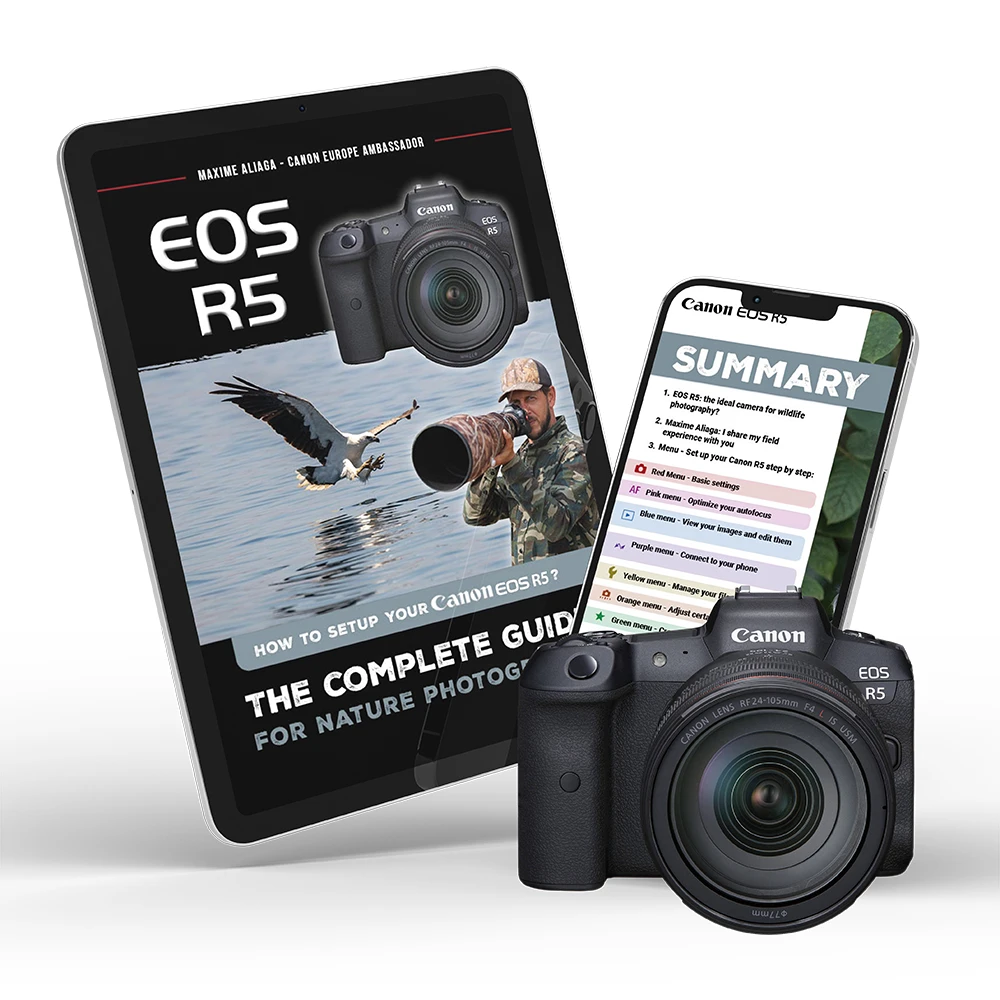
A practical 60-page guide to effectively setting up your Canon EOS R5, understanding essential settings and being ready to shoot without hesitation as soon as the scene presents itself.
A practical, step-by-step guide to mastering every aspect of your Canon EOS RI.
A well-adjusted autofocus
PDF files with high-resolution photos, optimized for computers, cell phones and e-readers.
A camera that's responsive in all conditions
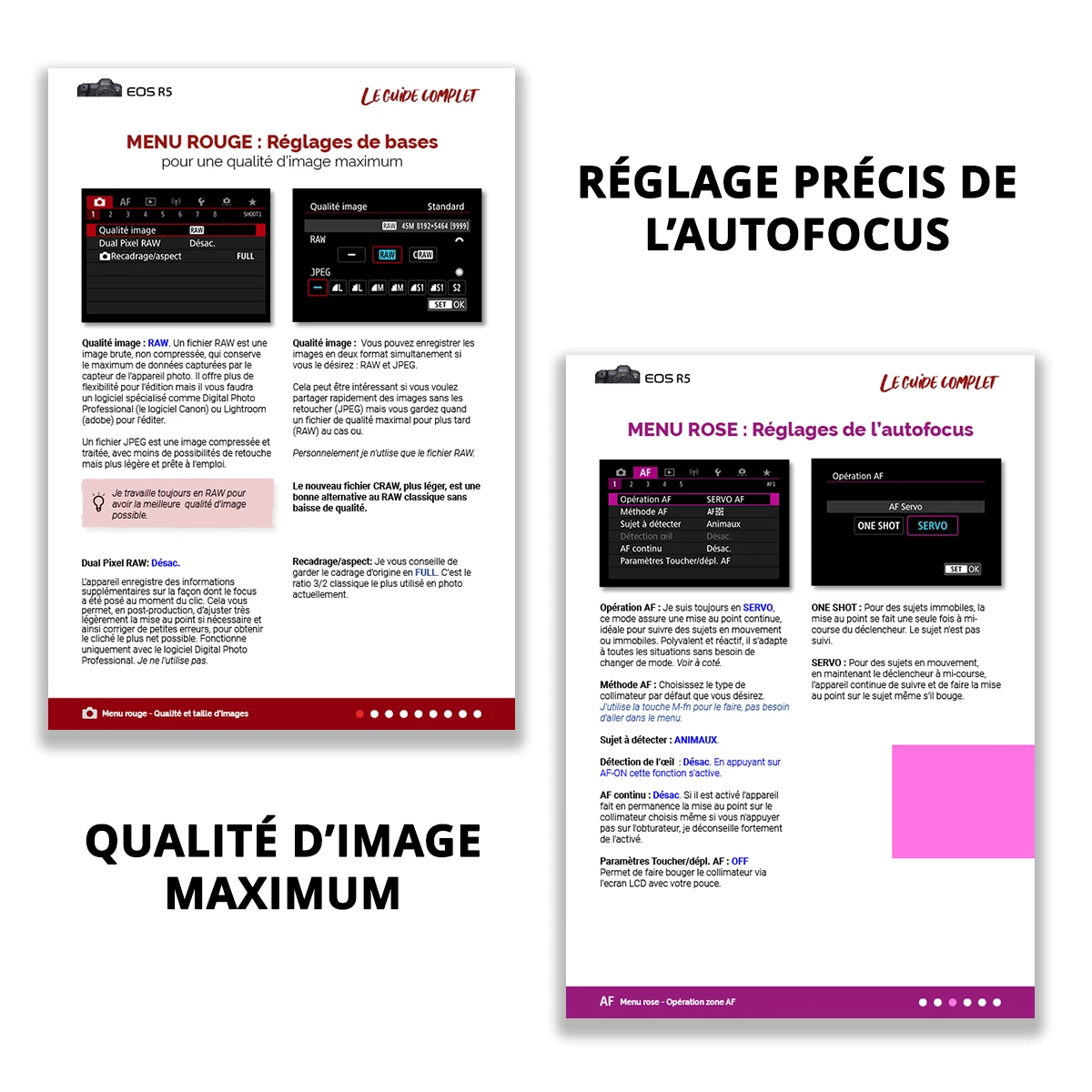
Optimisation des menus, boutons et modes personnalisés du R5 pour réagir rapidement sur le terrain, sans perdre une scène à cause des réglages.
Personalized advice
Chaque réglage est expliqué avec mes choix personnels sur le R5, issus de situations réelles en photo animalière, pour comprendre quand et pourquoi les utiliser.
Download my settings directly using the .CSD file
In addition to the ebook, you'll find a .CSD file containing all my settings in the download folder.
Concrete results with my Canon settings
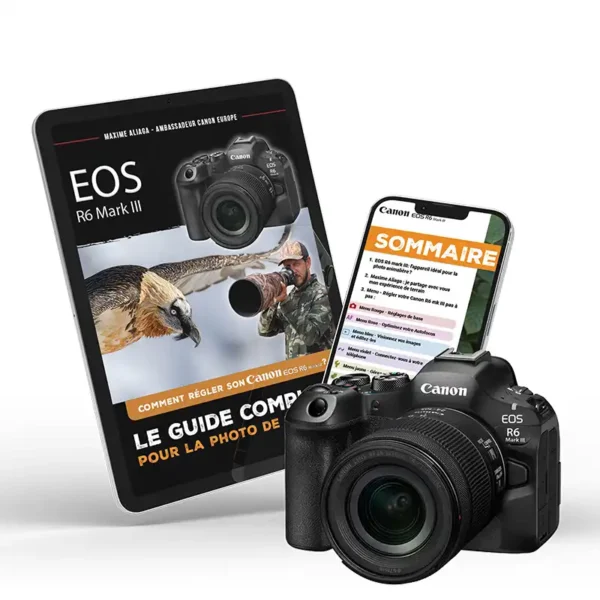
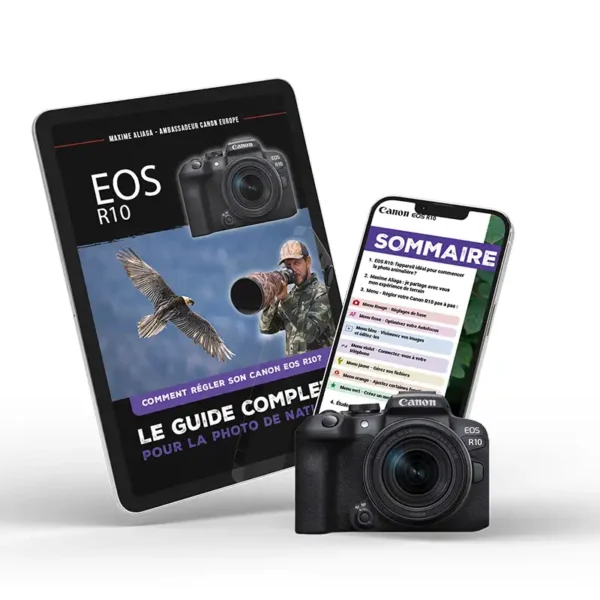
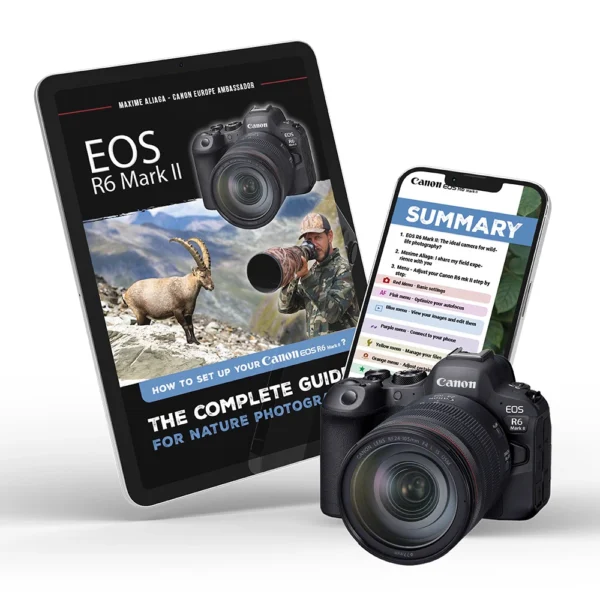
Do you have another Canon model?
I suggest other ebooks depending on tThe devices, and I’ll also give you an automatic 20% discount on the second one you buy. Canon’s settings guides are designed for wildlife photography and are based on the same field approach as the Canon EOS R5 guide.
FAQ
It’s in the very first email you get after purchase, the one with your invoice. Look for the “Download” column and click the guide’s name.
Can’t see it? Check your spam folder, that’s where it hides 9 times out of 10. Still nothing? Email me at in**@***********ga.com with the name you used for the order and I’ll send you a direct link.
It’s an ebook: a PDF file you download right after purchase. Nothing arrives in the mail.
You can read it on your computer, tablet or phone. Some people print it and keep it in a binder next to their camera, that works great too.
Yes. The .CSD file is a Canon configuration file, not a document you can read. If you double-click it, your computer doesn’t know what to do with it and might show it as “empty”. It’s not.
To use it: unzip the .ZIP file, copy the .CSD to the root of your memory card, then import it from your camera’s menu. The exact step-by-step, screenshot by screenshot, is in your guide.
Yes, for life. Whenever Canon releases a firmware that changes something important, I update the guide and you get the new version by email. You never pay twice.
Yes. Your download link stays in your order email, so keep it safe. Lost the email, even a year later? Write to me with your order name and I’ll send the guide again. Buy once, access forever.